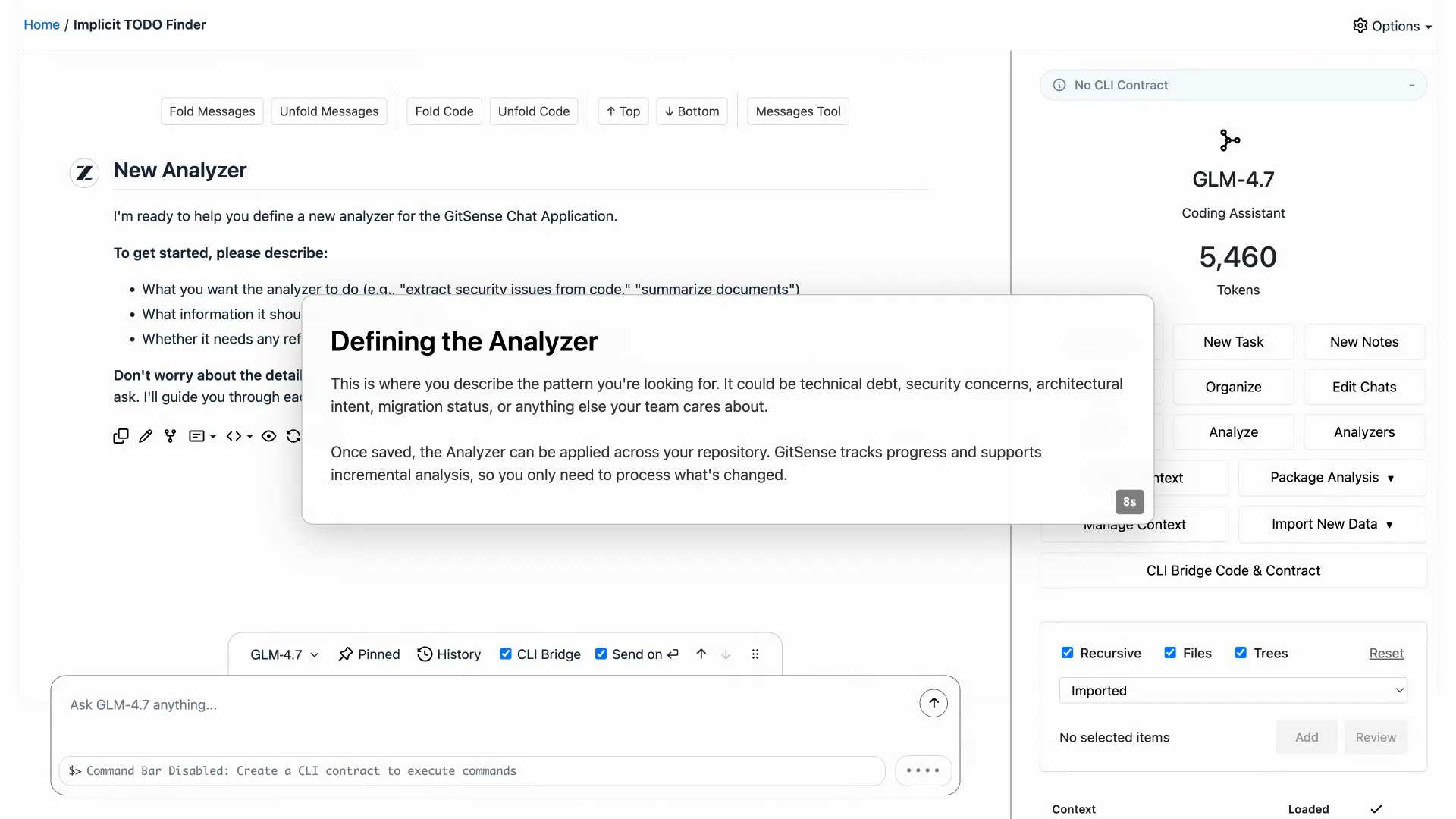
Create
Describe the pattern your agents should understand. GitSense turns the chat into a reusable Analyzer.
Intelligence that lives in your repository.
Turn domain knowledge into agent-ready context so coding agents know where to look, why it matters, and what to do next.
Turn blind search into guided discovery.
GitSense Chat builds and packages reusable repository intelligence. The gsc CLI makes it available in terminals and agent sessions.
# Install the GitSense CLI
curl https://gitsense.com/gsc.sh | bash

# Try a smart repository
git clone https://github.com/gitsense/smart-ripgrep
cd smart-ripgrep

# Create the queryable database
gsc manifest import code-intent

# Search with repository context
gsc rg cache --db code-intent --fields purpose
Human + AI → JSON → SQLite → gsc → Agent Guidance
Chat with AI to turn what matters into analyzers and lessons.

Turn analyzer results and lessons into shareable knowledge.
Give agents the tools they need to find what matters.
Analyzers map your codebase from conversations about what matters, so agents can query where to look and why.
Lessons save what humans and agents learn during a session, so it can be versioned with the repository and reused later.
Follow the steps below to see what your agent can do with and without GitSense.
Install gsc before importing Brains or initializing your agent.
# Install the GitSense CLI
curl https://gitsense.com/gsc.sh | bash
Clone the example repository, then import the Rust test Brain.
# Clone the smart repository
git clone https://github.com/gitsense/smart-ripgrep

# Enter the directory
cd smart-ripgrep

# Import the Rust test Brain
gsc manifest import rust-test-coverage-intent
Initialize your agent so it knows how to use the repository Brain.
# Start your agent (Claude Code, Codex, etc.)
claude

# In your agent session, have it run:
gsc experts init
Ask your agent where to start with GitSense, then ask how it would work without the CLI or Brains.
With GitSense
I want to add a regression test for binary file handling.

Use the available GitSense Brains to find the files I should look at.
Do not open the files yet. Just use GitSense to guide me.
Without GitSense
If the GitSense CLI (gsc) and GitSense Brains did not exist, how would you have helped me?
Describe what matters, analyze the files, then package the results to create agent-ready context.
Describe the pattern your agents should understand. GitSense turns the chat into a reusable Analyzer.
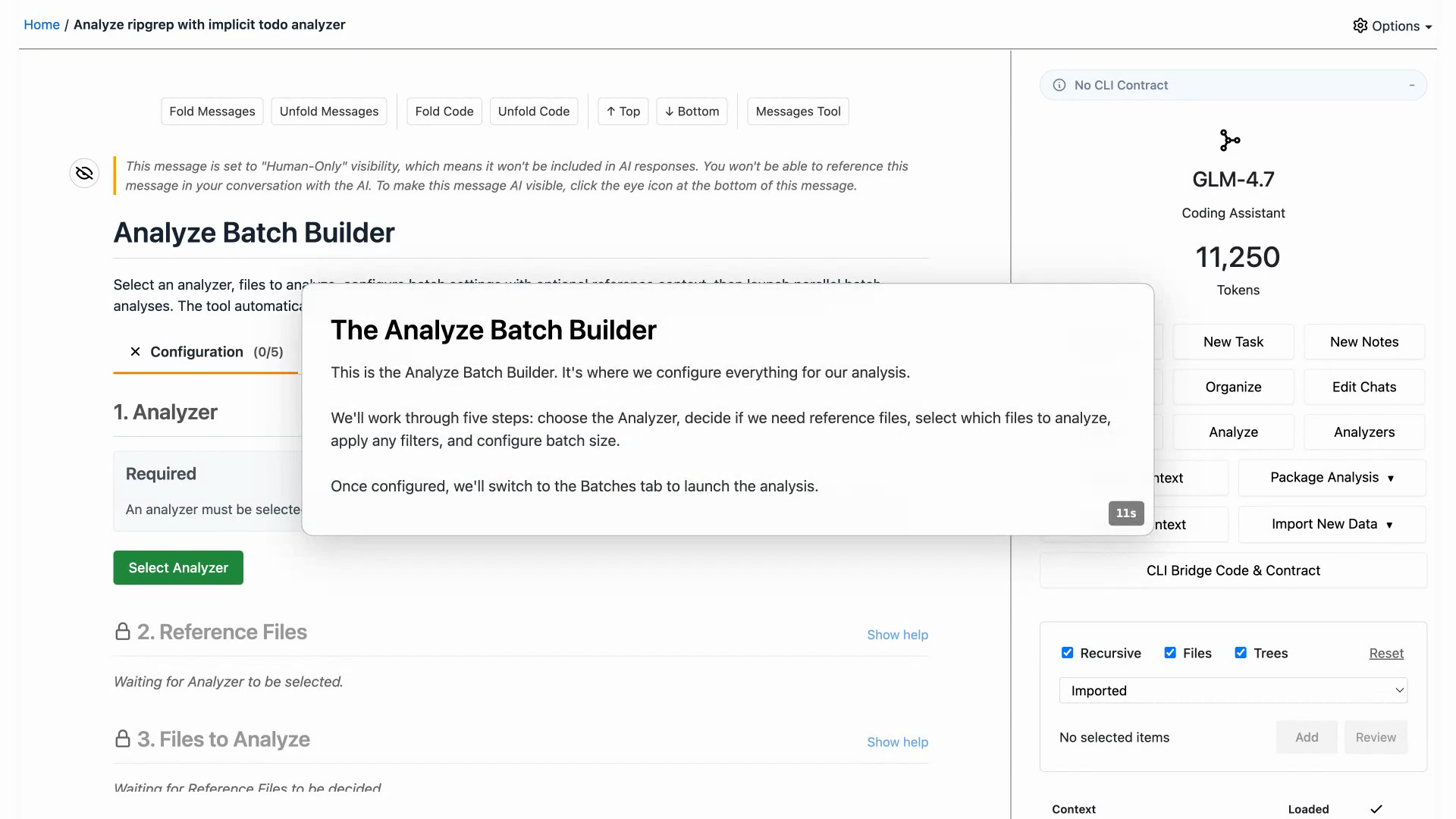
Select files, apply filters, and run the Analyzer in batches. GitSense tracks progress and results.
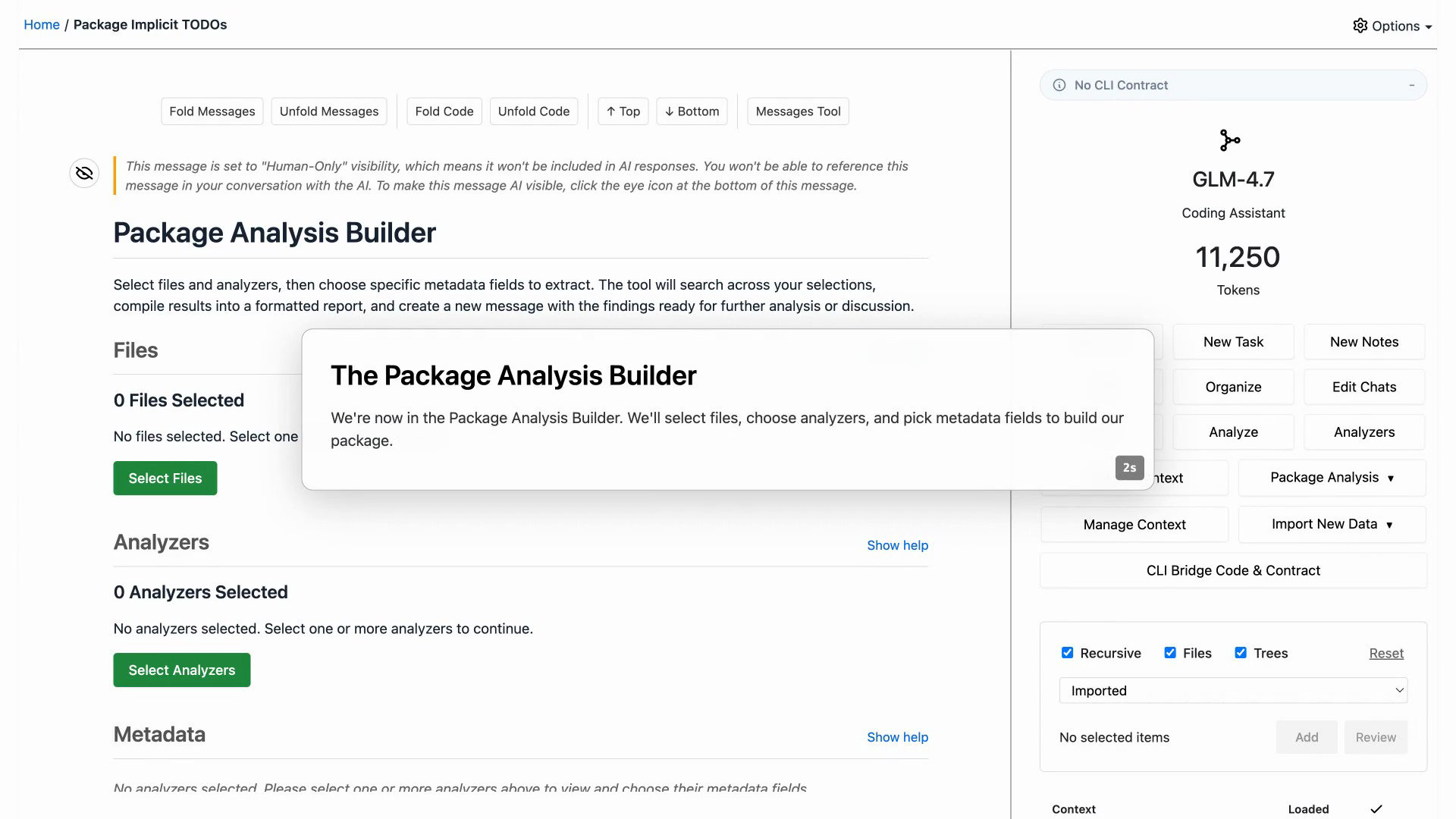
Combine analysis into a queryable manifest your CLI and agents can use.
A .gitsense directory and a portable manifest are all you need to make a repository smart.
You own the manifest. Commit it, publish it, import it by URL, or keep it private. GitSense does not lock you in.
Portable intelligence is the README for the agentic coding era.
repo/
  .gitignore
  README.md
  src/
  .gitsense/
    .gitignore
    manifests/
      code-intent.json
      ownership.json
      review-rules.json
Install the CLI, start GitSense Chat, and run gsc docs help inside your agent session.
Use the app to build and package repository intelligence. Use the CLI to query it from your terminal and share it with agents.
# Install the CLI
curl https://gitsense.com/gsc.sh | bash

# Install and start GitSense Chat App
gsc app native install
gsc app native start

# In your agent session
gsc docs help